Free Image to Image AI
Transform Any Photo with a Prompt

Upload a photo, describe the change, and let AI restyle it. Swap backgrounds, change outfits, convert to any art style, or edit details — image to image editing powered by Nano Banana, Seedream and GPT Image.

🎁 Sign up — try Seedream 🔓 No signup ⚡ Under 10 seconds 💯 Free, no watermark 🔒 Private prompts
📎 Reference · 0/1 Upload
Prompt
0/2000
✨ Click a sample to try
AI generated image
Advertisement

Why Choose Our Image to Image AI?

Edit and transform any photo with a single text prompt — precise, fast, and powered by the best editing models.

🖼️

Edit Any Photo

Upload a reference image and describe the change — restyle, background swap, outfit edit, or full remix.

🧠

Multiple AI Models

Choose Nano Banana 2 for fast edits, Seedream 4.5 for artistic restyles, or GPT Image 2 for precise instruction-following.

🎯

Precise Control

Keep the composition you love — Image to Image preserves your photo's layout while transforming the look.

📐

Flexible Aspect Ratios

Match your output to 1:1, 16:9, 9:16, 4:3 or 3:4 for social media, prints, or wallpapers.

Fast Edits

Most image to image edits finish in 15–30 seconds, right in your browser.

⬇️

No Watermark

Download every edited image for free, with no watermark — ready to use anywhere.

How to Use Image to Image AI

Four simple steps from photo to transformed image.

1

Upload a Photo

Sign in and upload the image you want to transform — it's stored privately on your account.

2

Describe the Change

Write what you want — "change the background to a beach", "convert to Studio Ghibli style", "swap the outfit".

3

Pick a Model

Choose Nano Banana 2 (fast), Seedream 4.5 (artistic), or GPT Image 2 (precise), then click Generate.

4

Download & Use

Your edited image appears in seconds. Download it — no watermark, ready to use anywhere.

Image to Image Examples — Before & After

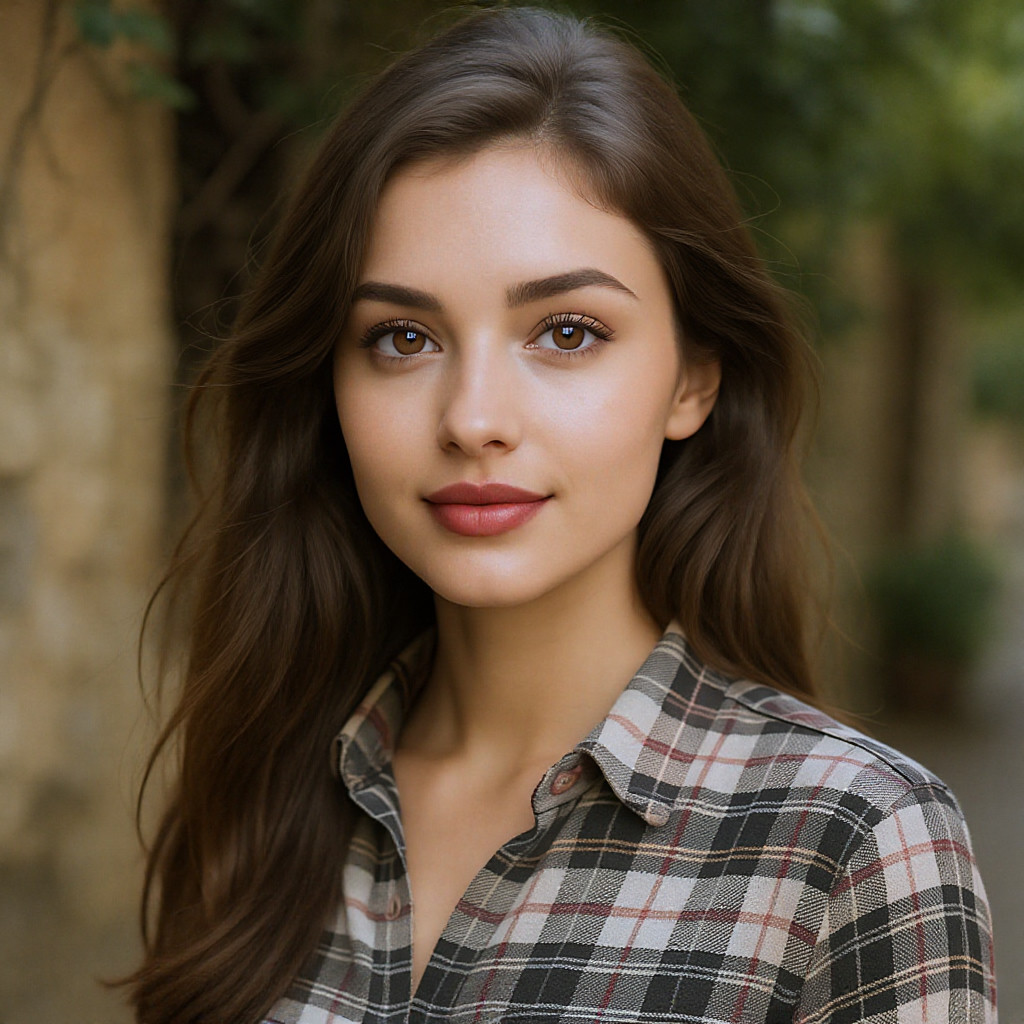
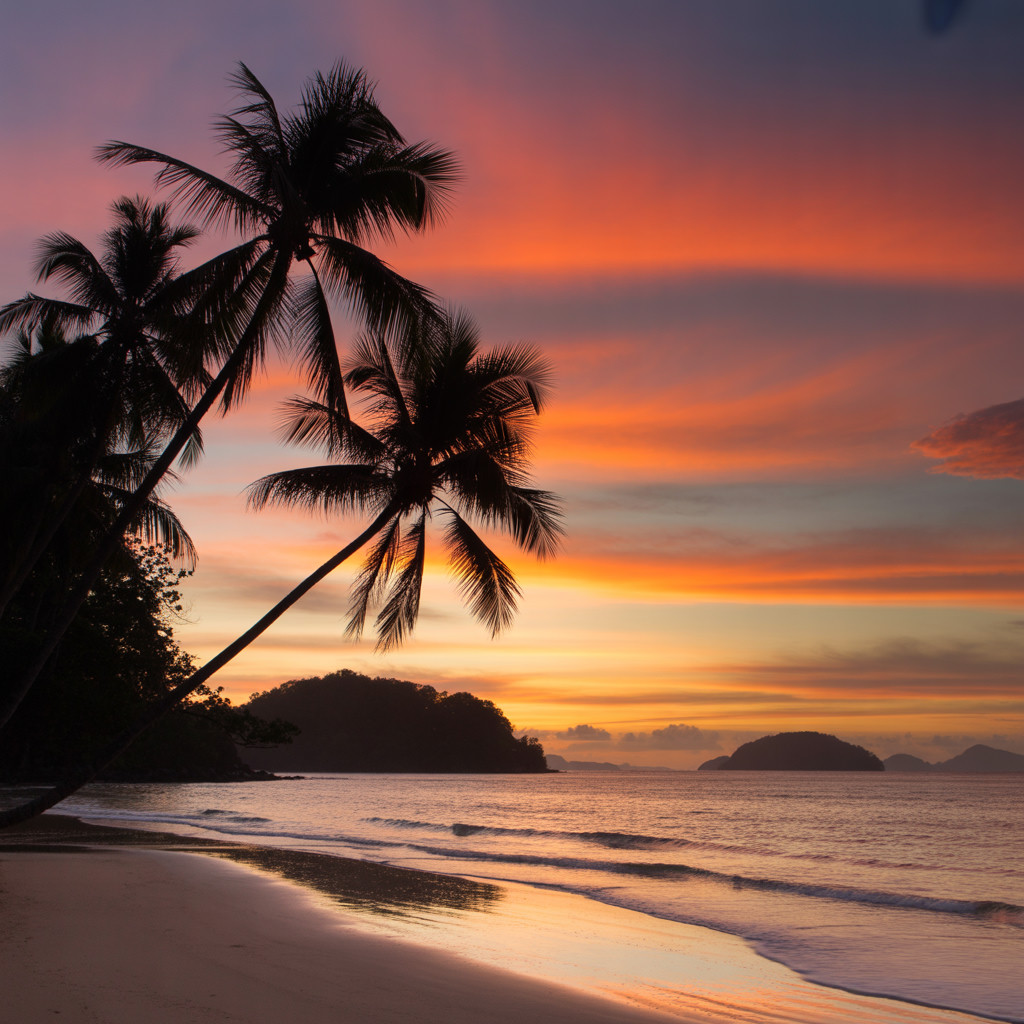
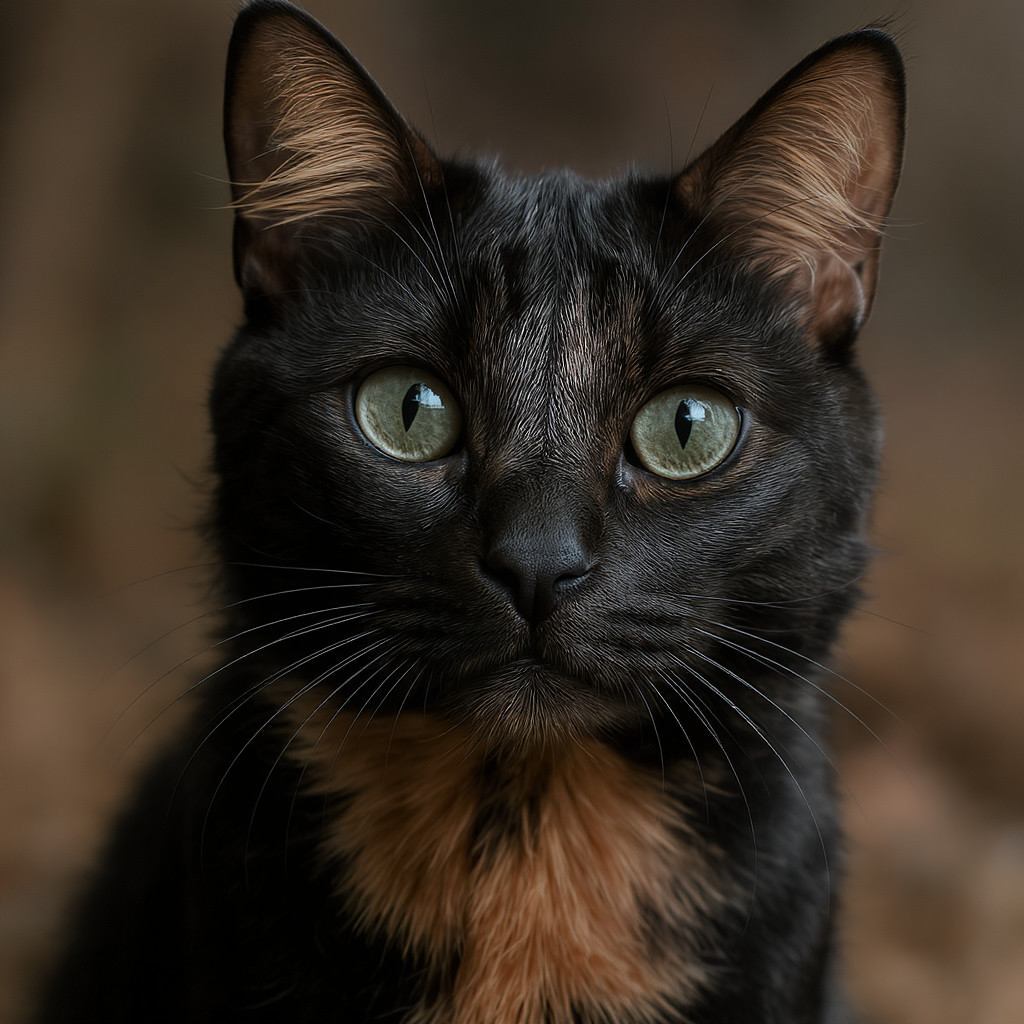
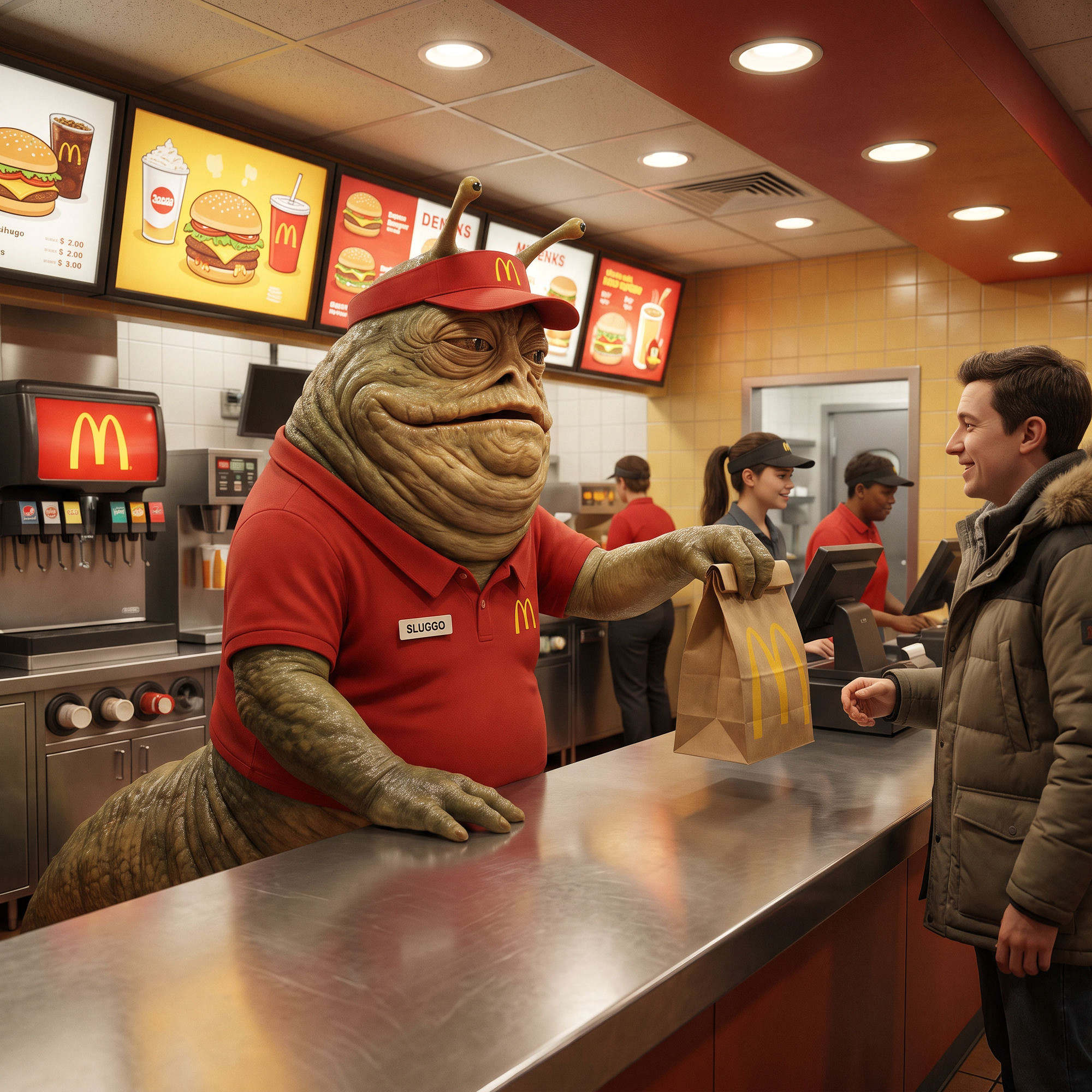
See how a single prompt transforms a photo. Restyle, background swap, outfit change, and more.

What Can You Do With Image to Image AI?

From photo restyling to product edits — transform any image with a text prompt.

🎨

Photo Restyling

Convert any photo into a new art style — Ghibli, anime, oil painting, 3D render, and more.

🏖️

Background Change

Swap the background of any photo while keeping the subject intact — perfect for product shots.

👔

Outfit & Look Edit

Change clothing, hair, or accessories on a portrait to visualize different looks instantly.

💼

LinkedIn & Headshots

Turn a casual selfie into a polished professional headshot or LinkedIn profile photo.

🛍️

Product Photo Editing

Place products in new scenes, change colors, or clean up backgrounds for e-commerce.

Creative Remixes

Mix elements, transfer styles, and reimagine any image with a single prompt.

Prefer to start from text instead? Try our free text to image AI

What Users Say About Our Image to Image AI

Creators edit and restyle photos with our image to image AI every day.

★★★★★
"I use this every day for blog images. Free, fast, no signup — exactly what I needed. The FLUX quality is impressive."
customer avatar
Sarah K.
Content Creator
★★★★★
"Better quality than several paid tools I've tried. No watermark and instant download — this is how AI tools should work."
customer avatar
Mike R.
Freelance Designer
★★★★★
"We generate ad creatives here daily. Free, no login, and the images just work. Can't believe it costs nothing."
customer avatar
Anna L.
Marketing Lead
★★★★★
"I build landing pages fast and need visuals on demand. This saves me hours every week — no design budget required."
customer avatar
David C.
Indie Hacker
★★★★★
"The aspect ratio options are perfect for Instagram stories and posts. Free with no watermark is honestly unreal."
customer avatar
Emma T.
Social Media Manager
★★★★★
"Concept art in seconds. FLUX handles fantasy and sci-fi prompts surprisingly well for a free tool."
customer avatar
James W.
Game Developer

Image to Image AI Pricing

Image to Image is a Pro feature. Upgrade to unlock it — plus all 5 AI models and credits.

Free

$0 /forever
Perfect for getting started
  • 10 images / day · No sign up
  • Sign up — try Seedream free (5 images)
  • No watermark
Start Free
Best Value

Ultimate

$19.9 /month
For power users
  • All 5 AI models + continuous access to new models
  • Image to Image (edit & restyle)
  • No daily limits
  • Image history (My Generations)
  • 500 credits / month
Advertisement

Free AI Image Generator FAQ

Everything you might want to know about our free AI image generator.

What is image to image AI?
Image to image AI takes a reference photo plus a text prompt and produces a new, edited version of that photo. Instead of starting from scratch (text to image), you start from an existing image and describe how to change it — restyle, swap the background, edit an outfit, and more.
Is image to image free to use?
Image to Image is a Pro feature because it relies on advanced editing models. You can try it with a free account; upgrade to Pro or Ultimate for more credits and unlimited edits.
Which AI models support image to image?
We support Nano Banana 2 (fast, affordable edits), Seedream 4.5 (high-quality artistic restyles), and GPT Image 2 (precise instruction following). Flux Schnell is text-to-image only and does not accept image input.
How do I write a good image to image prompt?
Describe the change you want, clearly and specifically. Examples: "change the background to a sunny beach", "convert to Studio Ghibli anime style", "replace the shirt with a black suit". Mention style, subject changes, and any details you want preserved.
How long does an image to image edit take?
Most edits finish in about 15–30 seconds. Slower models like GPT Image 2 can take up to a couple of minutes — you'll get the result in your history even if you close the page.
Will my photo's composition be preserved?
Yes. Image to image keeps your reference photo's layout and composition while applying the change you describe — so you keep the framing you like with a new look.
What can I do with image to image?
Restyle photos into any art style, change or remove backgrounds, edit outfits and hair, turn selfies into professional headshots, place products in new scenes, and creative remixes.
Do I need to sign in?
Yes. Uploading a reference photo and running image to image requires a free account, so your image is stored privately and edits are saved to your history.
Is there a watermark on edited images?
No. Every image you edit can be downloaded with no watermark, ready to use anywhere.
What aspect ratios are supported?
1:1 (square), 16:9 (widescreen), 9:16 (portrait), 4:3 and 3:4 — to fit social media, prints, and wallpapers.
Can I use the edited images commercially?
Yes. You can use your edited images for both personal and commercial projects. Please review our terms of service for full details.
Does it work on mobile?
Yes. The editor is fully responsive and works great in mobile browsers, so you can edit photos on your phone or tablet.
Transform Your First Photo with Image to Image AI

Sign in, upload a photo, and describe the change — restyle, edit, or remix in seconds.

Start Editing